Stream Control

DISCOVER THE HERCULES STREAM CONTROL APP
Download for Windows
→ Discover the latest updates

OBS AND STREAMLABS INTEGRATION


Effortlessly manage your stream

  • Switch scenes
  • Customize styles, colors, and icons
  • Start and stop your livestreams
  • Start and stop your recordings


FULL AUDIO CONTROL


Handy action launch buttons

  • Up to eight simultaneous tracks: two pages of four tracks each
  • Four volume level control encoders (with mute function)
  • Integrated equalizer and microphone profiles


DESIGNED FOR EVERYONE


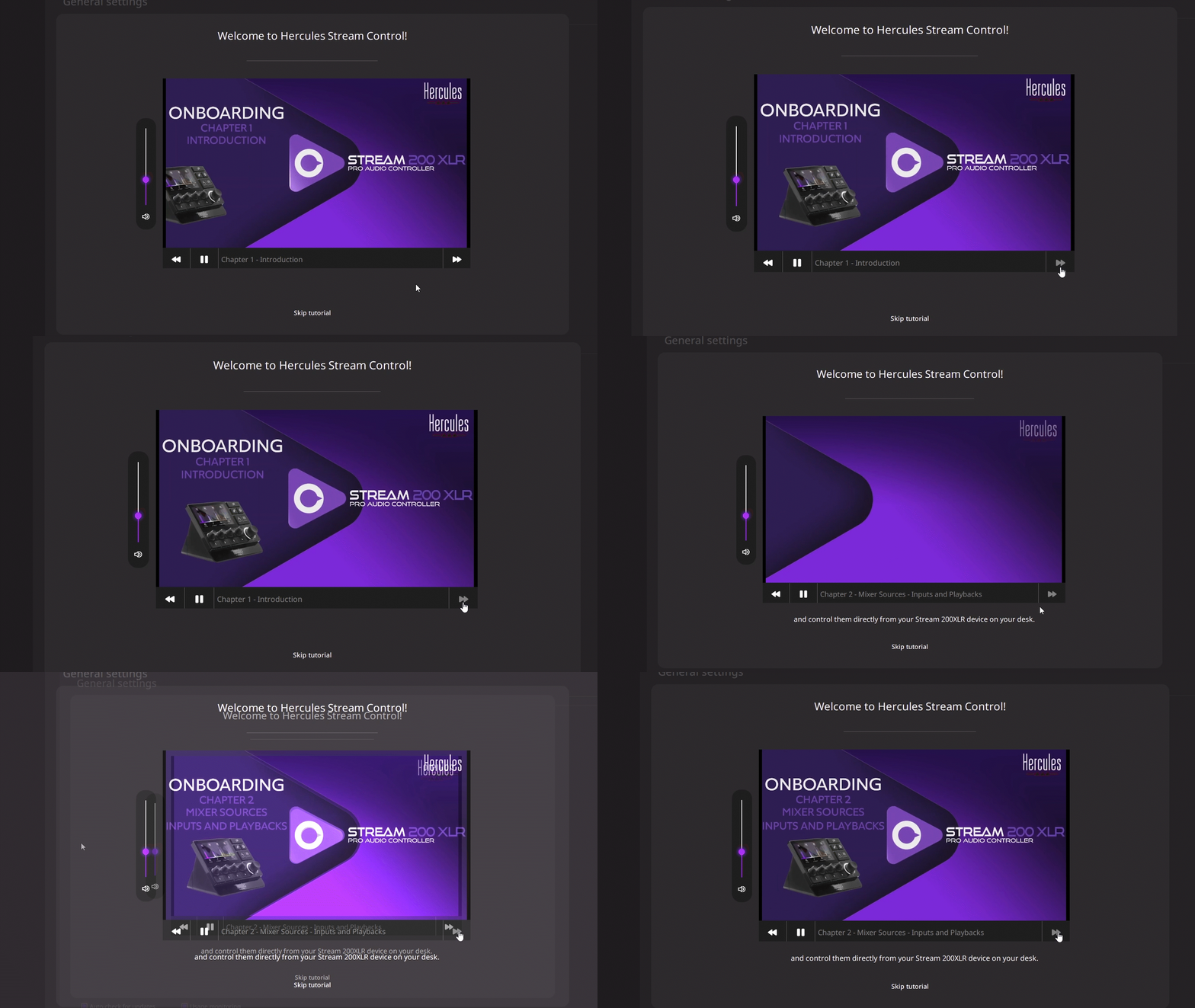
Built-in guides help anyone start streaming their way without worrying about audio control.

  • Step-by-step tutorials
  • Intuitive drag-and-drop interface
  • Product setup and update guides
  • Plug-and-Play

OBS AND STREAMLABS INTEGRATION

Effortlessly manage your stream


FULL AUDIO CONTROL

Handy action launch buttons


DESIGNED FOR EVERYONE

Built-in guides help anyone start streaming their way without worrying about audio control.

Receive important updates and news

Receive important updates and news

The software should start downloading automatically.
Check our Tutorials!
Tons of videos to help you make the perfect setup! Check it out.

Software updates

Discover the latest improvements and new features of Stream Control.

Latest update – Version 2.3
New features

New Twitch plug-in: With a single press, you can:

  • Create clips
  • Switch chat to subscribers / followers / emote-only mode
  • Run an ad
  • View the viewer count
  • And many more actions to control your Twitch live stream!


New actions and improvements for the OBS plug-in

  • Show / hide groups and sources
  • Switch scene collections
  • Switch OBS profiles
  • User interface improvements


New native actions

  • Go to a page
  • Switch profile


Stream 200 XLR — New audio sources: You can now control these audio sources independently:

  • Creator Mix
  • Audience Mix
  • Aux
  • Microphone
  • Line In


UI/UX fixes and improvements: Bug fixes and overall user experience improvements.

Version 2.2.9

New Discord plug-in !

  • Control your own input / output volumes
  • Set any channel member on a track and manage its volume live
  • Long press your knob to quickly assign a specific channel member on your track
  • Mute / deafen yourself and others
  • And other useful actions while playing with your mates


New Spotify plug-in !

  • Play/Pause/Next/Previous and mute songs
  • Activate shuffle and repeat modes
  • Like a song and add it to your playlist
  • Start any of your playlist


Stream 200 XLR major improvements!

  • New XLR Microphone settings menu with improved effects and graphical EQ
  • Apps and peripherals can now be drag-and-dropped directly in the device and controlled as with Stream 100.


Bunch of UI/UX improvements!

  • New Plug-In menu interface
  • New Plug-In setting menu and tutorial
  • New action tooltips added
  • Improved profile menu
  • Up to 8 pages


Version 2.1

User Interface improvements

  • Audio Source and Action names automatically displayed when drag-and-dropped
  • Plug-Ins menu with new download and add button for each Plug-In
  • Consistency between all tooltips
  • Gradiant vumeter colors by default


New Voicemod integration

  • 2 new actions : Voice Changer ON/OFF and Hear Myself ON/OFF
  • Name lists added to Add Voices and Add Soundboards menus
  • Improved reaction time when effect is triggered


New USB Microphone menu

  • Microphone selection
  • Monitoring volume slider


XLR Microphone menu add-ons

  • Mic type always saved and not depending on presets anymore
  • Gain always saved and not depending on presets anymore
  • New Mic Meter and Voice Monitoring to help set Gain Level
  • 2 presets for Hercules HXD-700 microphone
  • 1 No FX preset


Bug fixes

Version 2.0

New Onboarding

  • Microphone and headset selection assistance
  • Complete device setup at the end of the tutorial


New Audio Sources Menu

  • Device and Apps menus merged into a single menu
  • Direct drag-and-drop from the audio sources list (end of the “Volume” / “Mute” step)


Actions Menu Update

  • Actions organized by type
  • Addition of a descriptive tooltip for each action


Simplified Audio Source Setup for Stream 200 XLR

  • Assign an app to a sound card without using the Windows Audio Mixer
  • Checkbox-based selection system


New Plug-Ins Menu