 |
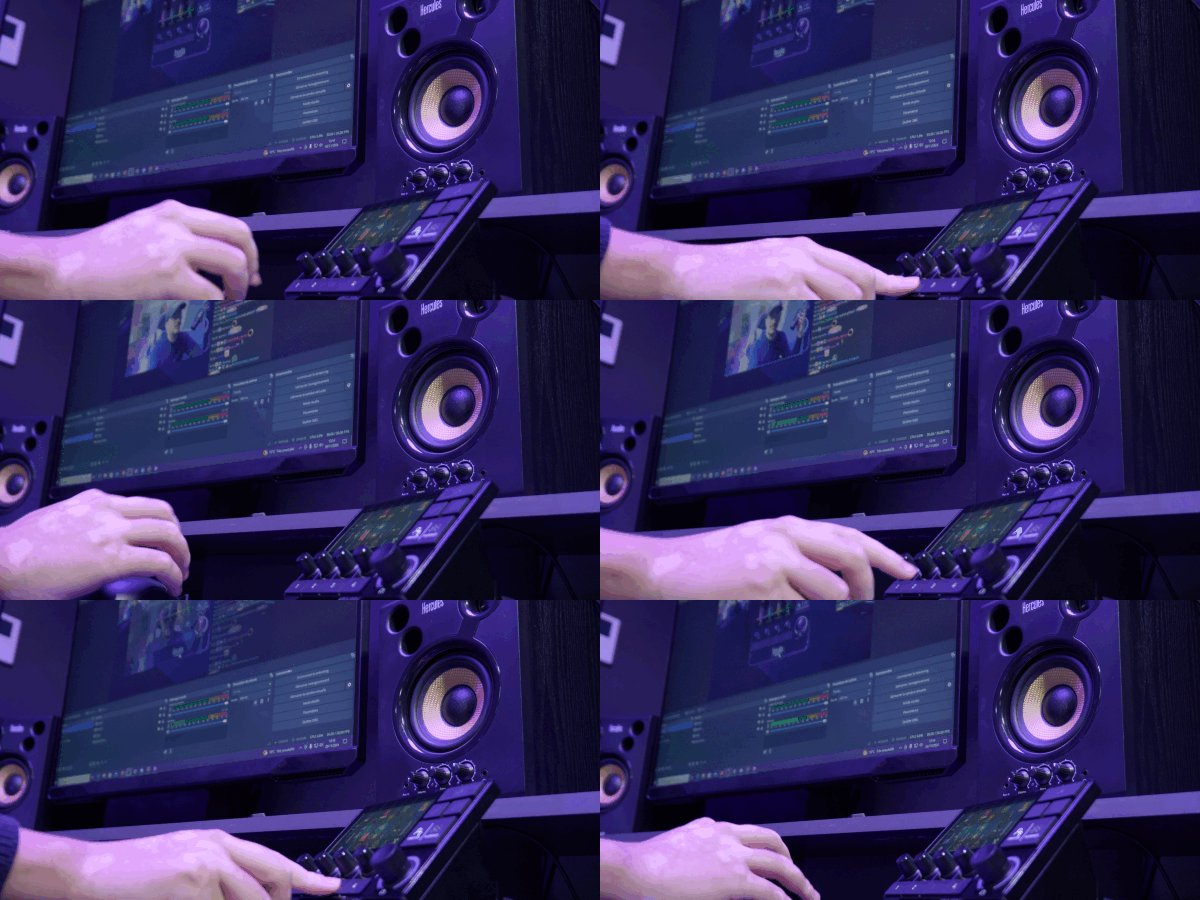
OBS AND STREAMLABS INTEGRATION
Effortlessly manage your stream
|
 |
FULL AUDIO CONTROL
Handy action launch buttons
|
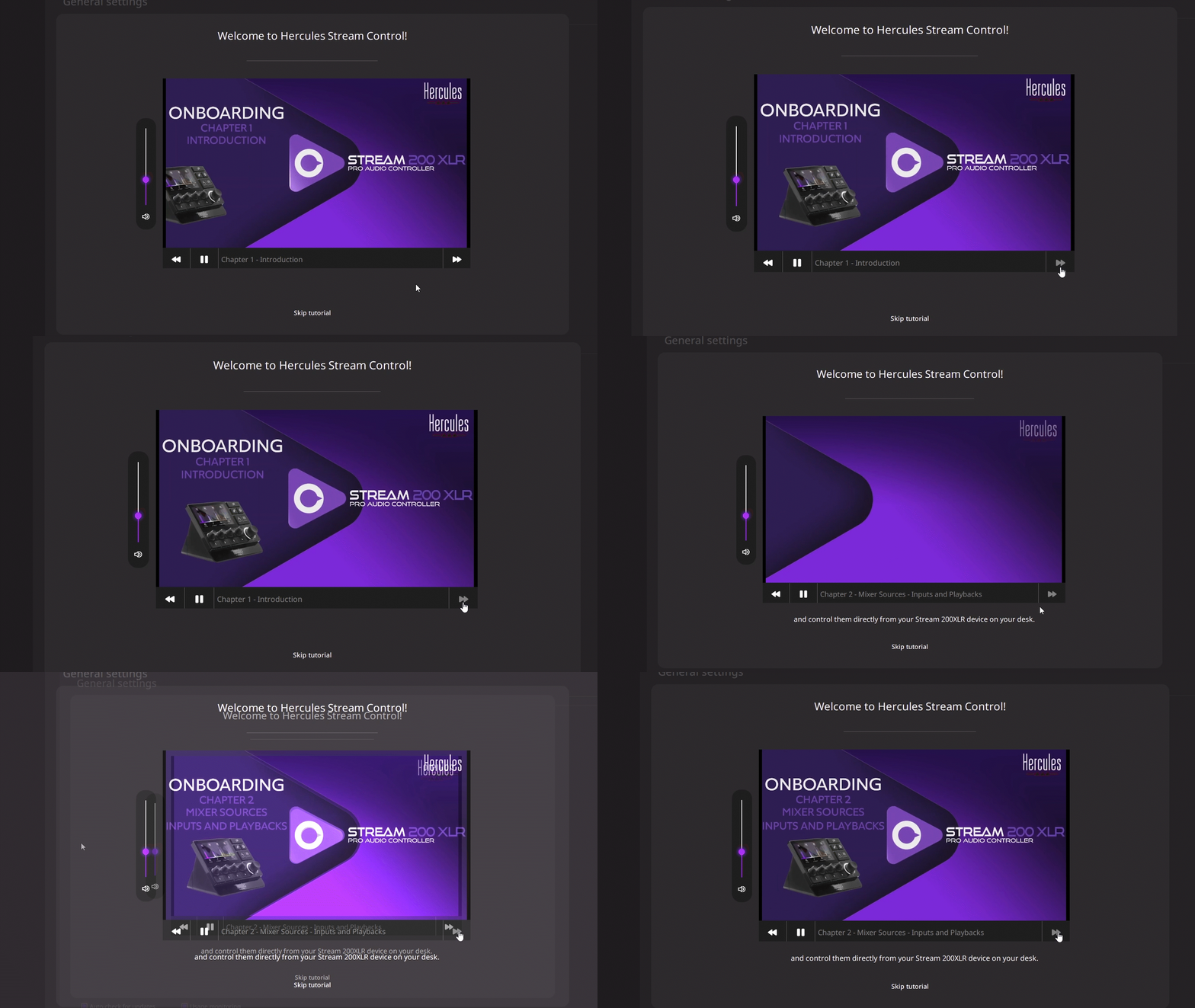 |
DESIGNED FOR EVERYONE
Built-in guides help anyone start streaming their way without worrying about audio control.
|
OBS AND STREAMLABS INTEGRATION
Effortlessly manage your stream
- Switch scenes
- Customize styles, colors, and icons
- Start and stop your livestreams
- Start and stop your recordings
FULL AUDIO CONTROL
Handy action launch buttons
- Up to eight simultaneous tracks: two pages of four tracks each
- Four volume level control encoders (with mute function)
- Integrated equalizer and microphone profiles
DESIGNED FOR EVERYONE
Built-in guides help anyone start streaming their way without worrying about audio control.
- Step-by-step tutorials
- Intuitive drag-and-drop interface
- Product setup and update guides
- Plug-and-Play
Receive important updates and news
The software should start downloading automatically.
If nothing happens, download it from our support website.
Check our Tutorials!
Tons of videos to help you make the perfect setup! Check it out.
Close